Studies - Charts
You will get a window similar to the one below for studies with charts. You have several options available:
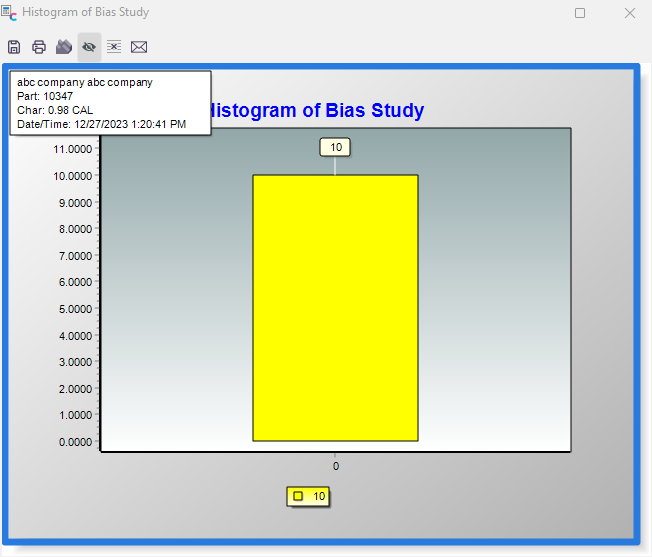
Chart For a Study
Save Chart
This allows you to save the chart to a bitmap.
Print Chart
This allows you to send the chart to your printer.
View Chart in 2-D/3-D
This allows you to switch between 2-D and 3-D views.
Show/Hide Labels
This will show/hide the exact values of each point on the chart.
Hide Detailed Info.
This will hide the button bar and labels on the chart. Click on the chart again to show the button bar/labels.
E-Mail Chart
This allows you to email the chart to someone. This depends on correctly configuring your E-Mail settings in User/Location Settings. |