Equipment View
The equipment view gives the user all the information specific to a particular piece of equipment. This view has three main sections: The Equipment layout, Informational Tabs, and the Tracking Status section.
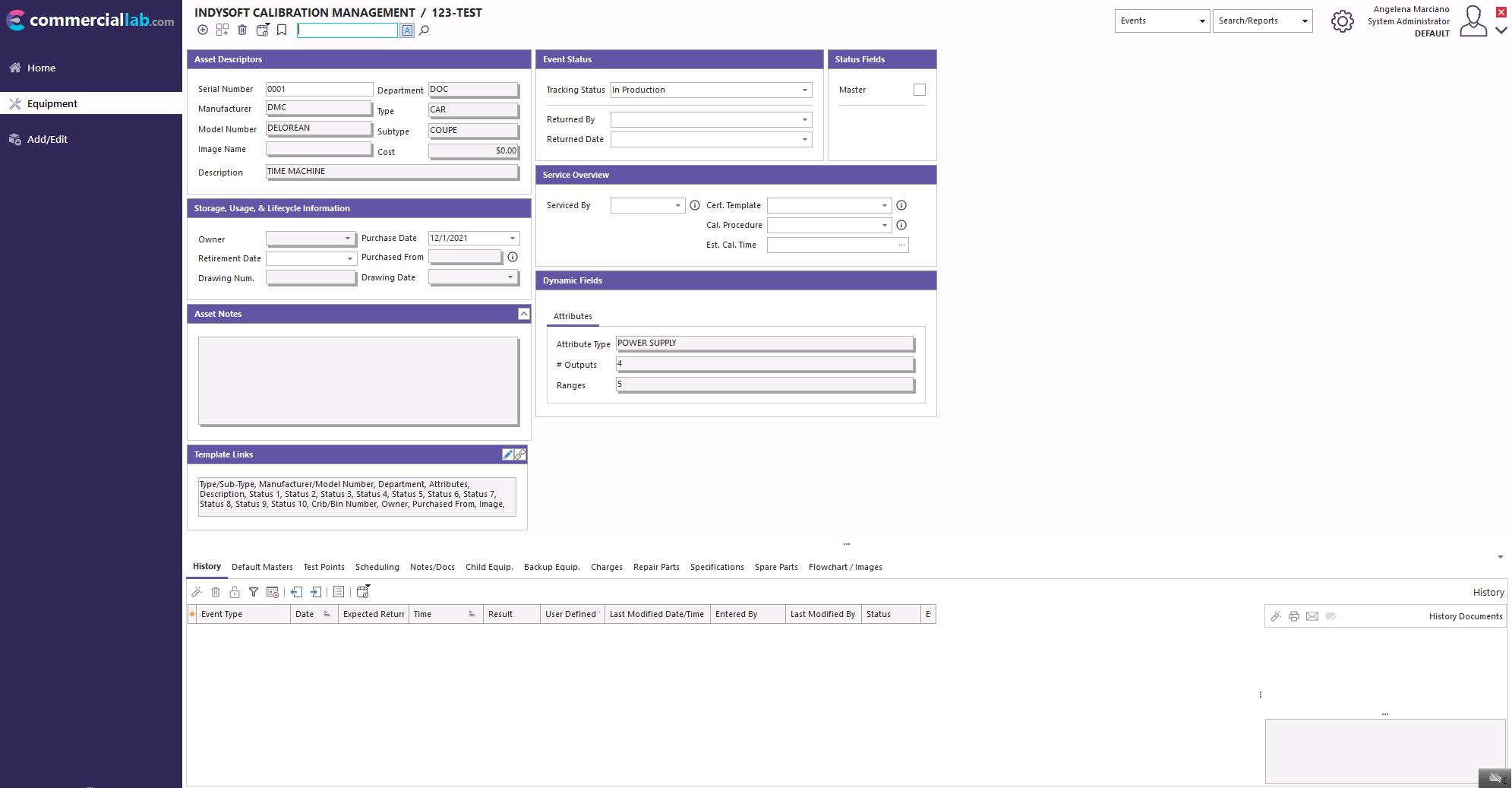
Equipment layout: This displays the specific equipment information. See the full help guide to use Layout Builder to edit how the equipment information is displayed.
Information Tabs: This section allows users to select between the available tabs. This section can also be accessed using modal dialog boxes. Refer to the full help guide to view more information about this setting.
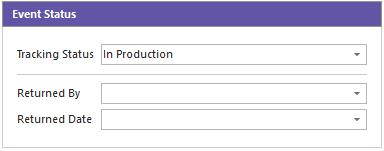
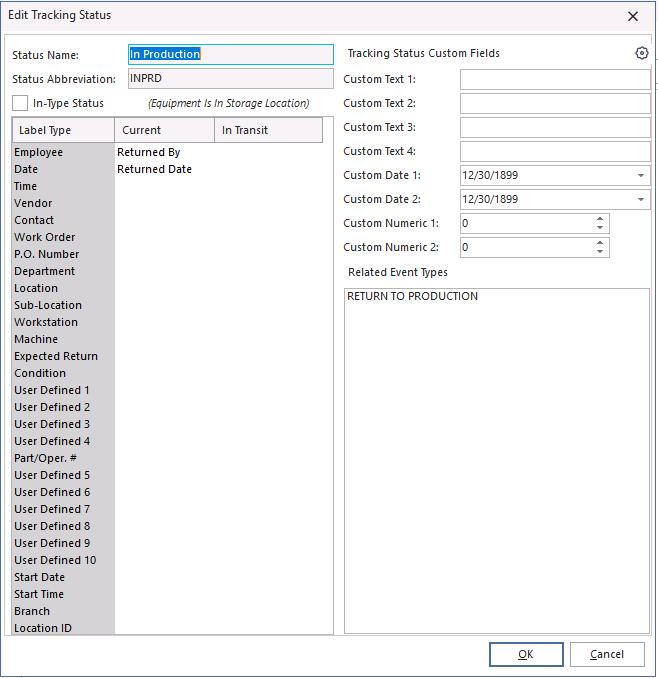
Tracking Status: This section displays the Current/In Transit locations set by the events and can be set in Workflow Configuration.
 |
|