Using EasyCert QR codes in the IndySoft Client
Beginning in 14.1.7, the IndySoft Client is able to use EasyCert QR codes to add equipment to events as well as perform a quick scan option in the equipment view.
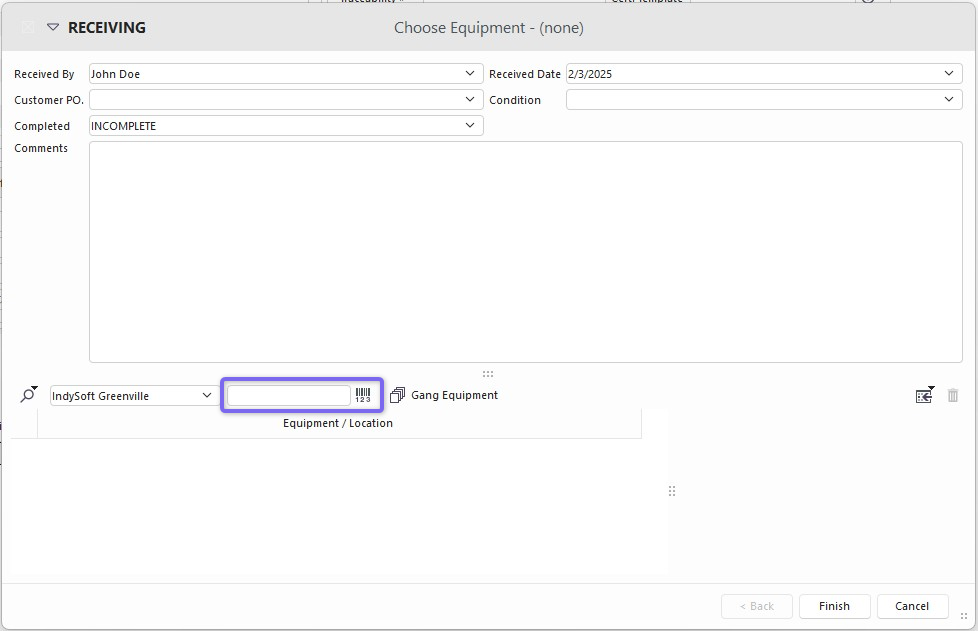
Without any configuration change, you can scan your equipment into any multi-asset event using an EasyCert QR code.
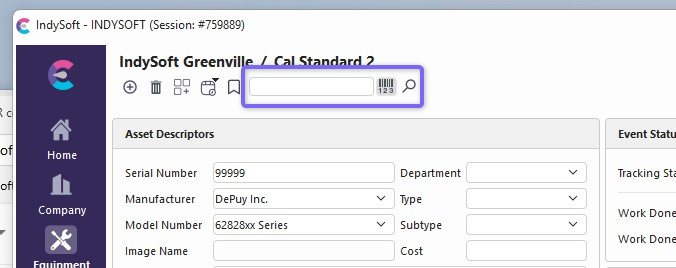
From the Equipment View, the search bar in your header can be used to scan and find any EasyCert QR code object.
To enable this feature, you must make sure that the "Advanced Barcode Equipment Search Mode" is enabled in System-Wide Preferences.
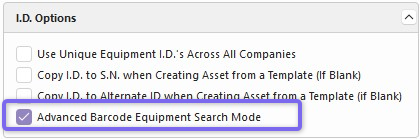
If enabled, your search object will show with a barcode symbol.